If you publish on Telegram more than once a day, you already know the routine: write the post, hit publish, then log into a promotion panel to order views and reactions before anyone notices the count is still at zero. It works — but it does not scale. High-frequency channel owners need a system that runs in the background.
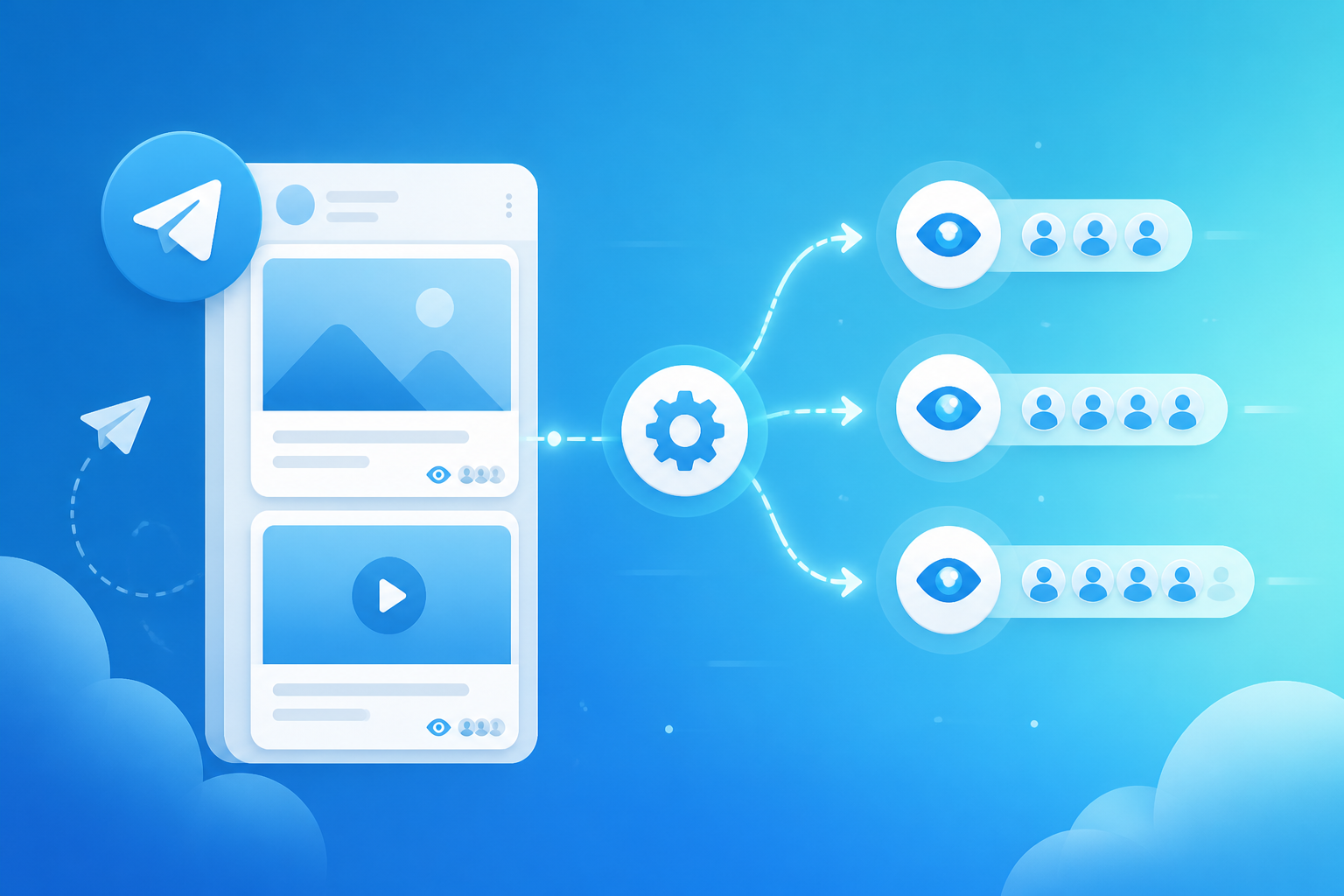
That is exactly what a Telegram auto views bot does. It monitors your channel, detects new posts, and automatically delivers configured views (and optionally reactions) within minutes of publishing. You pay a monthly subscription instead of placing individual orders, and your channel maintains consistent engagement signals around the clock.
This guide explains how auto view bots work, when they beat manual ordering, how monthly subscriptions are structured, and the exact setup steps on TeleBoostPro. By the end, you will know whether automation fits your channel and how to configure it correctly.

What Is a Telegram Auto Views Bot?
A Telegram auto views bot is an automated service connected to your channel that triggers view (and reaction) delivery whenever you publish a new post. Instead of copying a post link and submitting a manual order each time, the bot watches your channel feed and handles delivery automatically.
Think of it as autopilot for engagement. You focus on content; the bot handles social proof. Most auto bots on reputable platforms like TeleBoostPro also support auto-reactions — adding a configured emoji mix alongside views so every post looks fully engaged without extra configuration.
Auto bots operate through Telegram’s API and channel monitoring systems. They do not require admin access to your channel beyond adding the bot as a member or providing your channel username. You never share passwords or ownership credentials.
Bot vs Manual Delivery: Which Should You Choose?
Both manual orders and automated bots deliver views to Telegram posts. The difference is workflow, cost structure, and suitability for your publishing frequency.
Manual delivery — best for:
- Channels posting 1–3 times per week
- One-off boosts on specific high-value posts (launches, sponsored content, pinned announcements)
- Testing a new provider before committing to a subscription
- Channels where only certain post types need engagement boosts
Auto views bot — best for:
- Channels posting daily or multiple times per day
- Betting tips, crypto alerts, and news channels with high posting frequency
- Channel owners who want set-and-forget engagement consistency
- Resellers managing multiple client channels who need hands-off delivery
- Channels where every post needs social proof — not just selected ones
The cost comparison often surprises people. Manual orders priced per post add up quickly on daily publishers. A monthly bot subscription typically costs less per post when you publish more than 10–15 times per month — and saves the time you would spend placing each order manually.
How Monthly Subscriptions Work
Most Telegram auto view bots operate on a monthly subscription model. You pay a flat fee for 30 days of automated delivery, configured with a set quantity of views (and optionally reactions) per post. Here is what typical subscription structures look like:
- Views-only plan — Auto-delivers a fixed number of views to each new post (e.g., 500 views per post)
- Views + reactions plan — Adds a configured reaction mix alongside views on every post
- Tiered plans — Higher tiers deliver more views per post or cover multiple channels
- Multi-channel plans — One subscription covering 2–5 channels for agencies and resellers
Subscriptions renew automatically if you maintain balance on your account. Most platforms send a notification before expiry so you can add funds or adjust your plan. On TeleBoostPro, bot subscriptions are managed from the same dashboard as manual orders — one account, one balance.
Step-by-Step Setup Guide
Setting up a Telegram auto views bot takes about five minutes if you follow these steps. We will walk through the process using TeleBoostPro as the example platform.
Step 1 — Create your account and add funds
Register at TeleBoostPro if you have not already. Add funds to your balance — the minimum deposit is $5, but bot subscriptions typically require enough balance to cover at least one month of your chosen plan. Check current bot pricing on the bots page.
Step 2 — Navigate to the bots section
From your dashboard, go to the Telegram bots area. You will see available bot plans with view quantities, reaction options, and monthly pricing. Select the plan that matches your posting frequency and channel size.
Step 3 — Connect your channel
Enter your public channel username (e.g., @YourChannelName) or paste your channel link. The bot needs to monitor your channel feed — this requires either adding the service bot as a channel member or providing read access through Telegram’s API integration. Follow the on-screen instructions; the process varies slightly depending on whether your channel is public or private.
Step 4 — Configure delivery settings
Set your preferred delivery parameters:
- Views per post — How many views to add to each new post (e.g., 300, 500, 1000)
- Reactions per post — Optional. Select emoji type or mixed positive package
- Delivery speed — Instant or gradual. Gradual is recommended for most channels
- Post detection delay — Some bots let you set a 1–5 minute delay so delivery starts after you have had time to edit the post
Step 5 — Activate and test
Confirm your subscription and publish a test post on your channel. Within the configured delay window, views (and reactions if enabled) should begin appearing. Check the bot dashboard for delivery logs confirming the post was detected and processed.
Step 6 — Monitor and adjust
Run the bot for one week before making changes. Review delivery logs daily for the first few days to confirm every post is caught. If a post is missed, check whether it was published during a maintenance window or if the channel connection needs refreshing.
Configuration Best Practices
Getting the settings right matters as much as setting up the bot itself. These practices help your automated delivery look natural and perform reliably:
- Match views to channel size — A 1,000-subscriber channel rarely needs 10,000 views per post. Scale quantities to your audience.
- Use gradual delivery — Unless you publish breaking news, spread view delivery over 30–60 minutes rather than instant spikes.
- Enable the edit delay — A 2–3 minute delay prevents the bot from delivering to a post you immediately edit or delete.
- Mix reactions naturally — If your plan includes auto-reactions, choose a positive emoji mix rather than a single emoji type.
- Do not double-order — If the bot is active, stop placing manual orders on the same posts. Double delivery looks unnatural and wastes budget.
- Set balance alerts — Enable low-balance notifications so your subscription does not lapse mid-month during a busy publishing week.
Who Benefits Most from Auto View Bots?
Automation is not for every channel. Here are the profiles that benefit most from Telegram auto views bots in 2026:
Daily publishers
Betting tipsters posting 5–15 slips daily, crypto channels pushing airdrop alerts every few hours, and news aggregators publishing breaking updates — these channels simply cannot maintain manual ordering workflows. Bots are essential infrastructure for them.
Multi-channel managers
Agencies and resellers running promotion for 5–20 client channels need centralized automation. One dashboard managing bot subscriptions across multiple channels saves hours weekly and reduces missed deliveries that damage client trust.
Brand channels with sponsorship obligations
Channels with commercial sponsors often contractually need minimum engagement on sponsored posts. Auto bots guarantee baseline views and reactions on every post — including sponsored ones — without the admin scrambling to order manually after each publish.
Growing channels building momentum
New channels in the 500–5,000 subscriber range use bots to maintain the appearance of an active community while organic growth catches up. Once organic engagement reaches healthy levels, many admins reduce bot quantities rather than canceling entirely.
Troubleshooting Common Bot Issues
Even reliable bots occasionally need attention. Here is how to handle the most common issues:
- Post not detected — Verify the bot is still connected to your channel. Re-add if necessary. Check whether the post was a forwarded message (some bots skip forwards).
- Delivery slower than expected — Gradual speed settings spread delivery over time by design. Switch to faster delivery if urgency matters.
- Subscription expired — Add funds and renew. Some platforms offer a grace period; others stop immediately.
- Views dropped after delivery — Occasional drops happen on all platforms. If drops exceed 20%, contact support for a refill or investigate provider quality.
- Bot delivered to a deleted post — Enable the edit delay setting. Delete posts before the delay window closes if you change your mind.
Auto Bots for Resellers
If you sell Telegram promotion services to other channel owners, auto bots are your highest-margin product. Instead of placing manual orders for each client post, you configure one bot subscription per client channel and charge a monthly fee that exceeds your platform cost.
Example: Your bot subscription costs $15/month per channel. You charge clients $30–50/month for “automatic engagement on every post.” The client gets hands-off service; you get recurring revenue with minimal daily work. This is how many successful Telegram SMM resellers build stable income.
Set Up Your Auto Views Bot Today
Configure automated view and reaction delivery on TeleBoostPro — monthly plans, easy setup, and 24/7 monitoring.
Explore Telegram Auto BotsFinal Thoughts
A Telegram auto views bot is not a luxury for high-volume publishers — it is basic infrastructure. Manual ordering made sense when you posted twice a week. When you publish daily, automation saves time, reduces cost per post, and ensures no published content goes out looking dead.
Start with a modest plan, test for one week, adjust settings based on what looks natural for your channel size, and scale from there. The five-minute setup pays for itself on the first day you skip a manual order.
More Telegram automation guides at TeleBoostPro. Browse the full library on our Guides & Tips page.